Most smart home guides hand you a long list of gadgets and call it a day. The result is often a home full of glowing screens, dangling cables and apps nobody opens. Decoradtech smart home ideas by decoratoradvice take the opposite approach: every device must earn its place twice, once by working well and once by looking right in the room. This guide explains ten of those ideas, how to choose between them, and the order to try them in, so your home gets smarter without looking busier. That order is what makes decoradtech smart home ideas by decoratoradvice different from a gadget list.
What DecoradTech Smart Home Ideas by DecoratorAdvice Really Are
Decoradtech smart home ideas by decoratoradvice are design-focused smart home upgrades that blend automation with interior design, so the home feels functional, comfortable and visually calm instead of gadget-heavy. The name blends “decor” and “technology”, and the ideas come from DecoratorAdvice, where DecoradTech is the smart-home side of the site.
The core idea is simple and harder to pull off than it sounds. Every device you choose either makes the room look better or worse, and that question comes first, before price or features. A smart light that hides its source, a thermostat that matches the wall, and a speaker you cannot see all pass the test. A bundle of cables and a glowing hub on the mantelpiece do not, even if every device works perfectly.
The Three Design Tests Every Idea Must Pass
Every decoradtech smart home idea must pass three design tests: finish matching, recessing over surface-mounting, and cable elimination, which together decide whether technology disappears into the room or dominates it. These three tests are the heart of the DecoradTech approach.
Finish matching means the device shares the finish of its surroundings: matte white on a painted wall, brushed brass near warm hardware, or black beside a dark television. When finishes match, your eye reads the device as part of the room. Recessing means choosing a flush, built-in fitting over one bolted onto the surface wherever possible, because a flush device has no shadow line, no bracket and no gap that pulls the eye.
Pass these tests and the decoradtech smart home ideas by decoratoradvice stop looking like gadgets and start looking like good design.
Smart Lighting Ideas That Change a Room
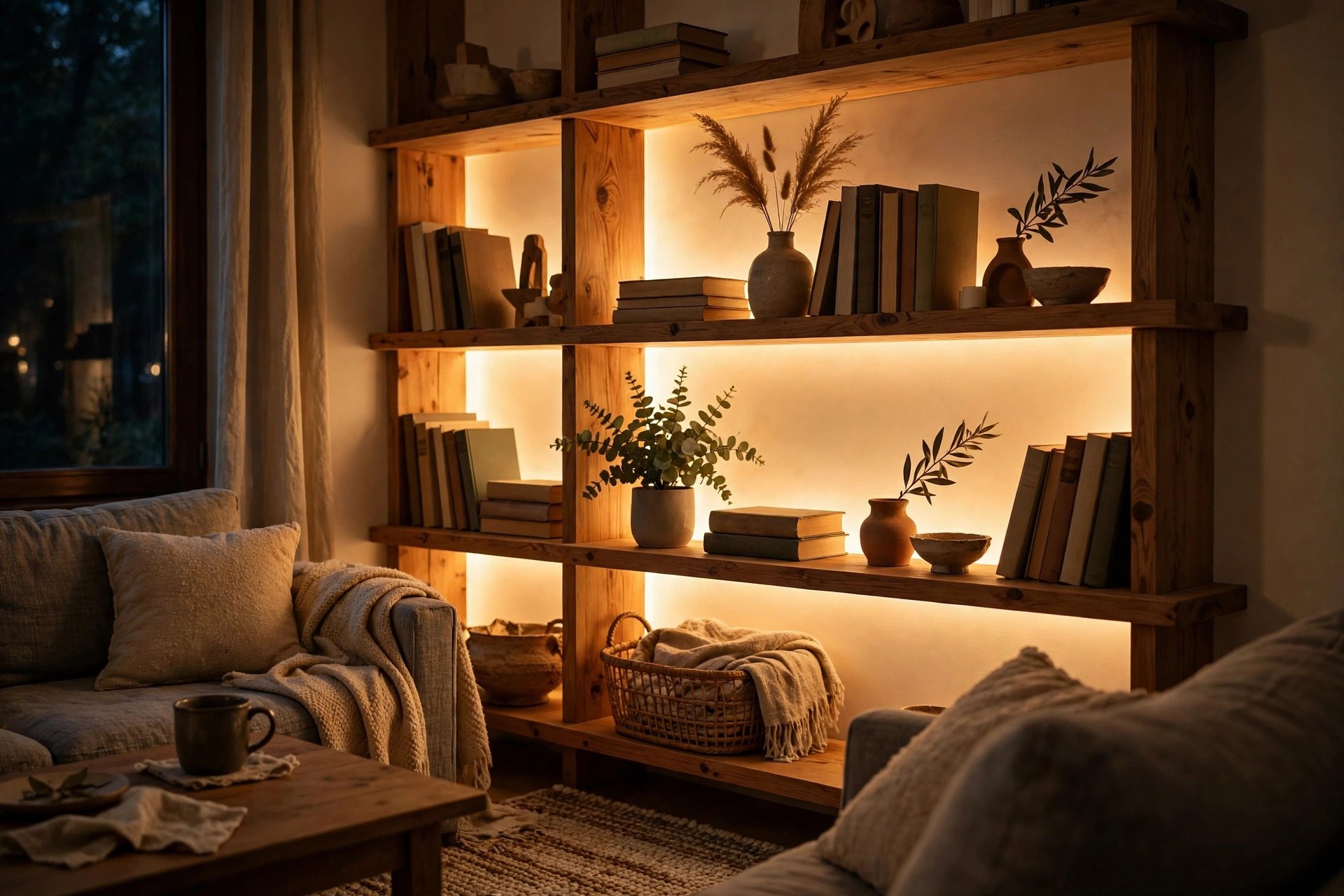
The best decoradtech smart home ideas for lighting use hidden sources and tunable white light: strip lights behind shelves, dimmable bulbs that warm in the evening, and switches instead of visible smart bulbs where possible. Light should fill the room without showing where it comes from.
The rule is indirect sourcing. Position the light so the source itself is not visible from any seat in the room, using coves, shelves, or shades. Tunable white bulbs, which shift across a warm-to-cool range, let one room serve for reading, relaxing and working, and they change the feel of a room more than any other single upgrade. Where a room has several bulbs on one switch, a smart switch is often better than smart bulbs, because the switch stays invisible and the ordinary bulbs can be replaced cheaply. That switch-first habit is one of the simplest decoradtech smart home ideas by decoratoradvice, and it costs less than a set of smart bulbs.
Start in the room you use most, usually the living room, with dimming and warm evening settings, and test the result from the sofa and from the doorway. A ceiling panel that spreads light across its whole face gives even illumination without a visible bulb, and it suits kitchens and hallways well. For the wider decorating picture around your new lighting, see our home decor ideas for family homes.
Hidden Audio and Entertainment
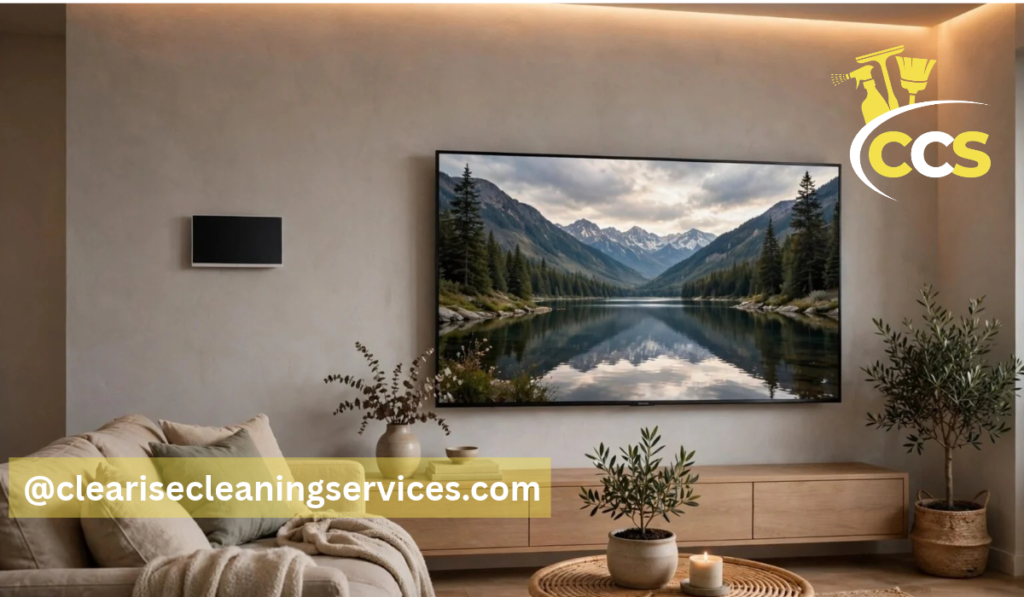
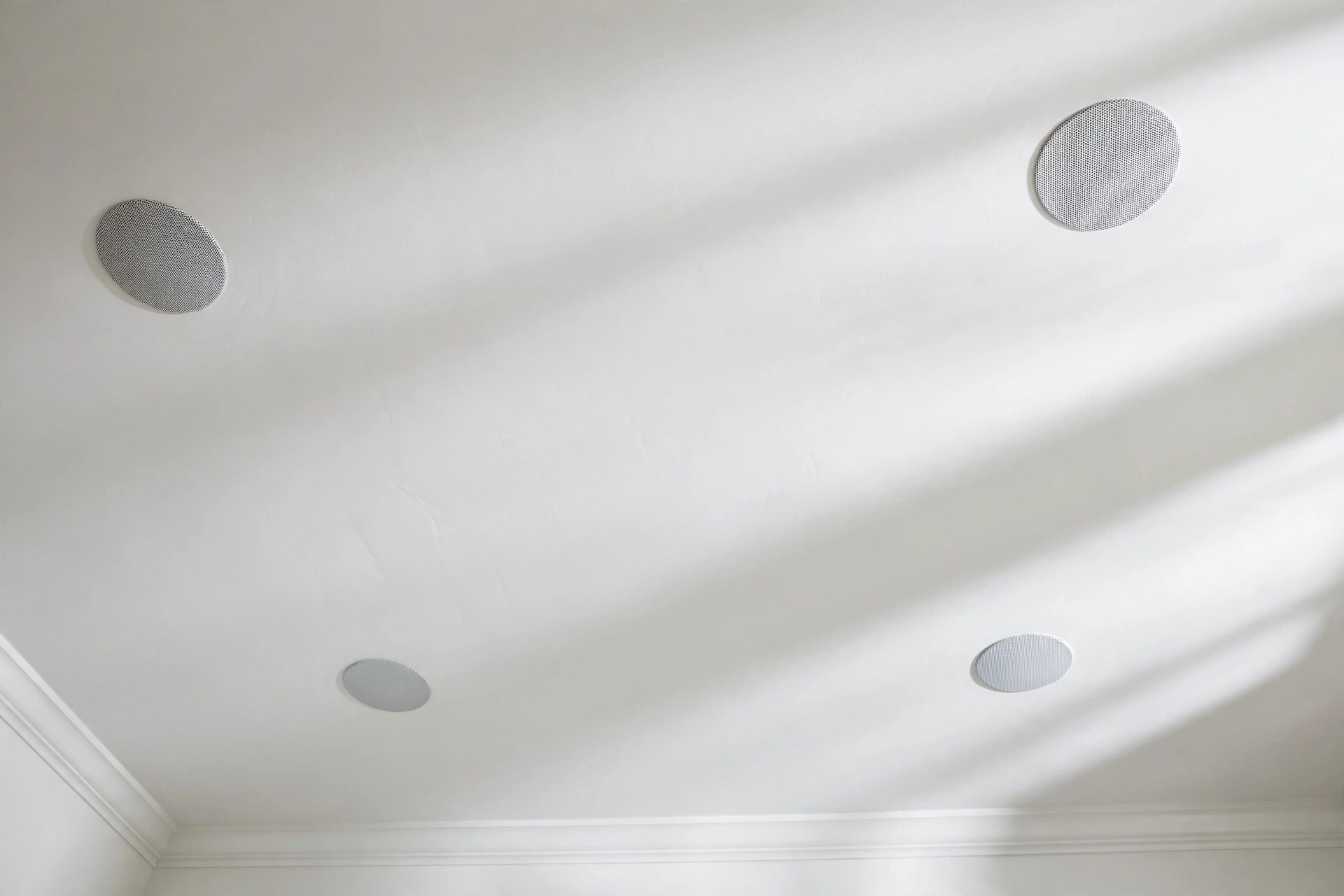
Hidden audio in a DecoradTech home means in-ceiling or in-wall speakers, a television that shows artwork when off, and a soundbar tucked under the screen, so entertainment is heard and seen only when you want it. The room stays a living room, not a cinema display.
In-ceiling speakers are the cleanest option, because they disappear into the ceiling and spread sound evenly, but they need wall or ceiling access, which rules out most rentals unless you get explicit permission. A simpler step is a single smart speaker placed on a shelf among books and plants, where it blends in and still fills the room with sound. An art-mode television, which displays artwork when switched off, turns a black rectangle into a picture on the wall. These quiet choices are the point of decoradtech smart home ideas by decoratoradvice: entertainment you notice only when you want it.
Climate Control That Stays Out of Sight
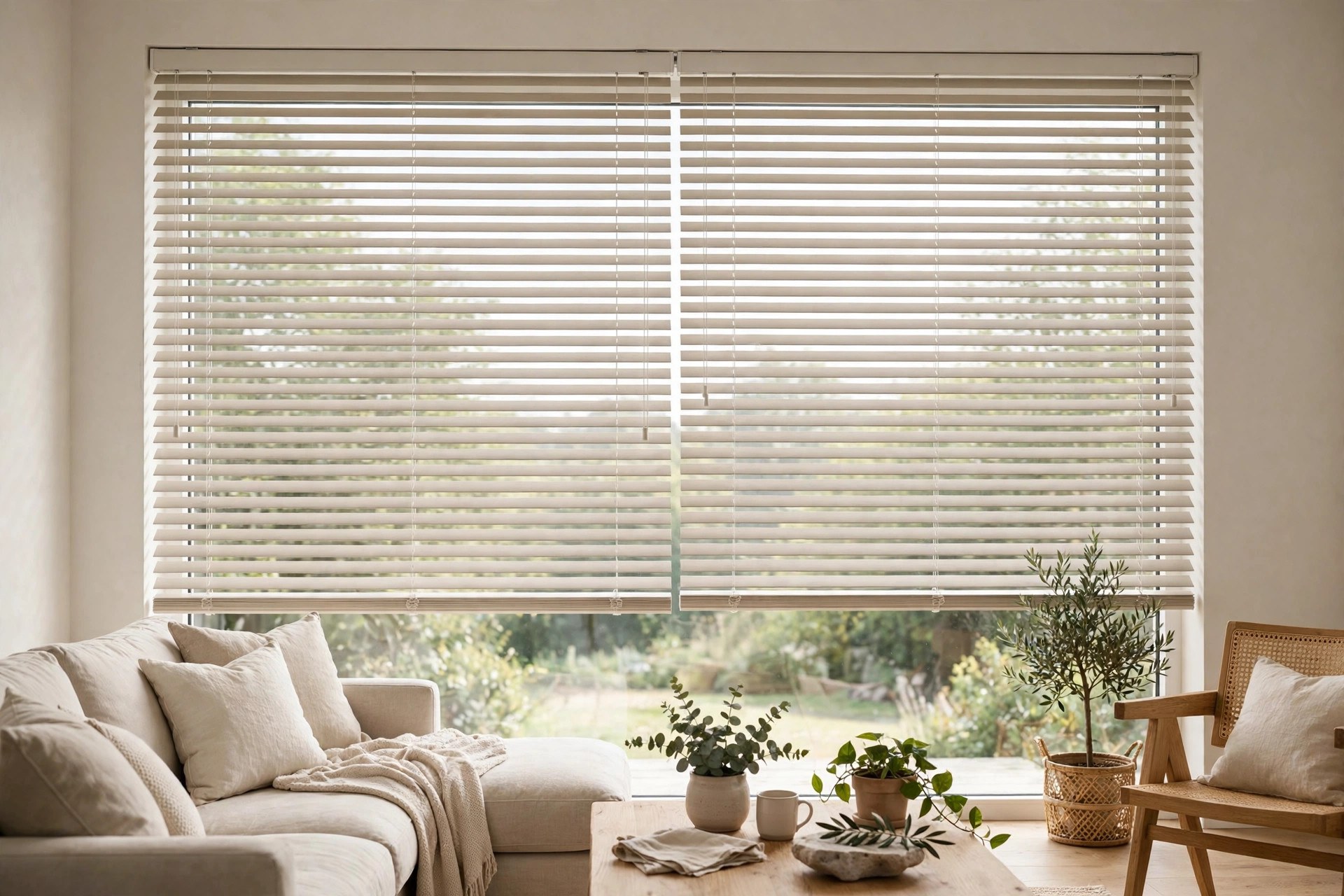
Climate ideas in a DecoradTech home start with a slim smart thermostat in a neutral colour on a hallway wall, plus automated blinds that manage heat and light, so comfort improves without a single visible gadget in the living space. Heating and cooling are the biggest daily energy loads, so they repay attention first.
A round or flush-mount thermostat in white or a neutral tone blends into a hallway wall and learns your routine, warming the house before you come home and cooling it when you are out. A certified smart thermostat is one of the quickest smart-home wins for cutting heating and cooling energy, because it stops heating an empty house. Place it on an inside wall away from direct sun, draughts and radiators, or its readings will mislead it. That one placement rule shows how decoradtech smart home ideas by decoratoradvice treat comfort as design, not as an afterthought.
Automated blinds and curtains are the quiet second half of climate control. They close against harsh afternoon sun to keep a room cool, and open on a winter morning to let free warmth in. Choose fabrics and colours that match the room, and hide the motor and track behind a pelmet or curtain heading. To understand the heating and cooling system these devices control, read our guide to what HVAC means.
Sleek Smart Security Ideas
Sleek smart security in a DecoradTech home uses slim, finish-matched devices: a video doorbell that matches the door hardware, a smart lock that looks like an ordinary lock, and small sensors instead of cameras inside living spaces. Security should feel calm, not watched.
Start at the front door, where most security value sits. A slim video doorbell in a finish that matches your door hardware covers visitors and deliveries without shouting about itself. A smart lock that keeps a normal handle shape lets family members enter with a code instead of a key, and it looks like the lock it replaced. Inside, door and motion sensors are small, silent and easy to hide, and they feed your routines without filming the family.
If you do add a camera, point it at the entry, not at living spaces, and tell everyone in the house where it is. Keep the doorbell wiring tidy and the chime inside a cupboard, and test the doorbell from the street: if it dominates the front door, a smaller model in a matching finish is the better choice.
Automated Window Treatments
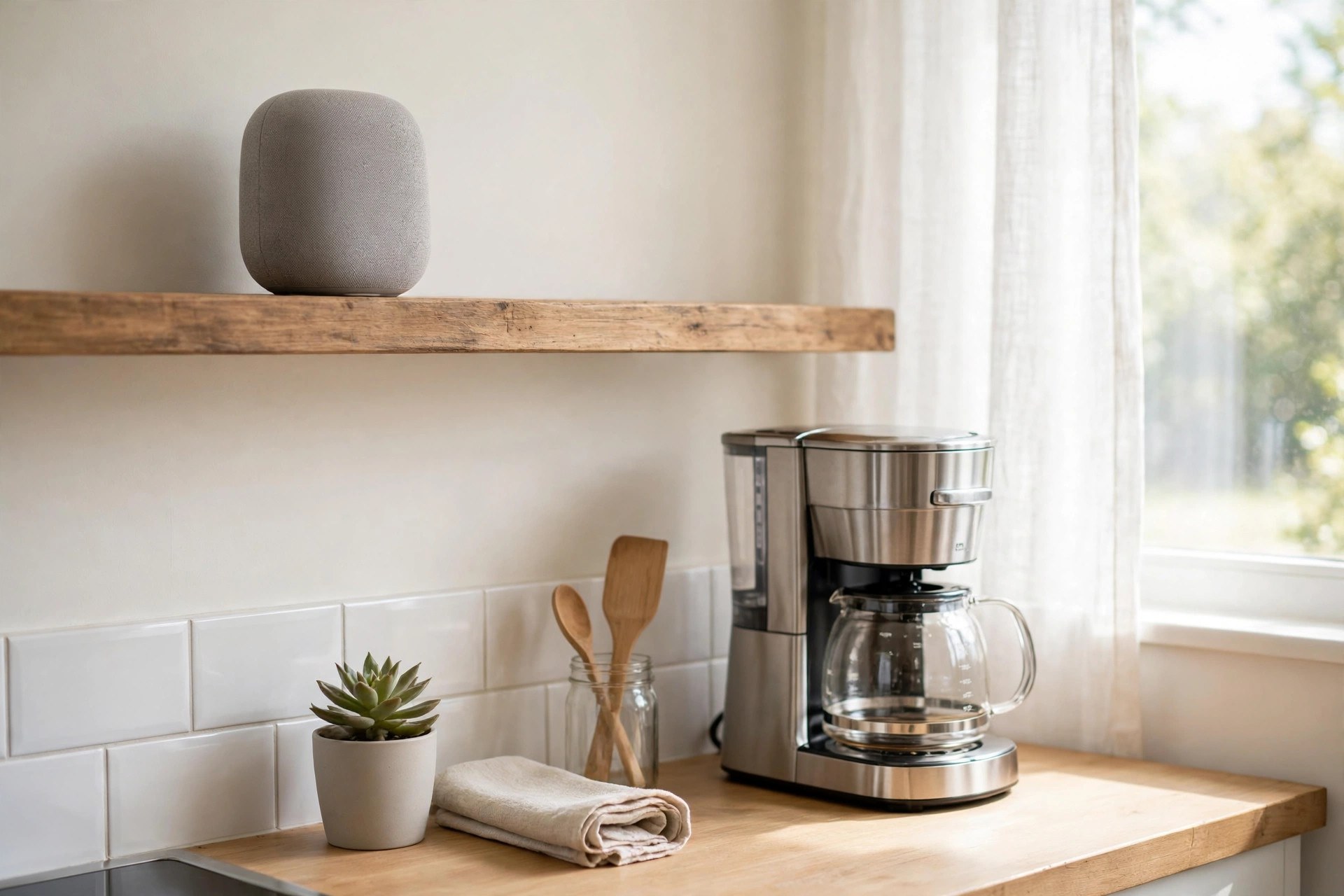
Automated window treatments in a DecoradTech home are motorised blinds or curtains in fabrics that match the room, opening and closing on a schedule so they manage light, privacy and heat without looking like machinery. They are one of the most visible upgrades, so the fabric choice matters as much as the motor.
Choose the fabric first and the motor second. A blind that matches the wall colour or the curtain fabric disappears when open, while a shiny or mismatched one draws the eye all day. Motorised blinds can open with the morning light and close for privacy in the evening, and they help with temperature too, blocking harsh sun in summer and holding warmth in winter.
The practical catch is installation. Battery-powered motors suit renters and simple windows, while wired motors need power near the window and are best fitted during a renovation. Measure the window carefully, including the depth of the recess, and check whether the motor and track will hide behind a pelmet or curtain heading before you order.
Smart Kitchen Ideas
Smart kitchen ideas in a DecoradTech home are small and practical: a smart plug for a lamp or coffee maker, a voice speaker where you can hear it while cooking, and appliances whose displays stay dark until needed. The kitchen should stay a place for cooking, not a showroom.
Smart plugs are the most practical kitchen upgrade, because they improve what you already own. Plug a lamp into one and the lamp gains schedules and voice control for the price of the plug alone, and the same trick works for a coffee maker or a fan. A voice speaker on a shelf, away from steam and splashes, lets you set timers and hear recipes without touching a screen with wet hands.
When choosing appliances, prefer models with quiet displays and handles that match the kitchen, and hide small appliances in a cupboard or behind a door when not in use. Keep devices away from the hob and sink, and never run a cable across a worktop where it can catch a pan. Those two habits keep the decoradtech smart home ideas by decoratoradvice working safely in the busiest room of the house. For keeping the kitchen itself in good shape, see our guide to cleaning a kitchen.
Comparing the Ten Ideas: Cost, Disruption and Impact
The ten decoradtech smart home ideas differ widely in cost and disruption: smart plugs and bulbs are cheap and instant, while hidden audio and wired blinds cost more and need wall access, so start with the cheap, low-disruption ideas first. The table below ranks them to help you choose.
| Idea | Cost | Disruption | Visual impact |
|---|---|---|---|
| Smart plugs | Low | None, plug-in | Invisible |
| Smart bulbs and dimming | Low | None, swap bulbs | Light improves, source hidden |
| Smart thermostat | Medium | Low, one wall fitting | Slim, finish-matched |
| Voice speaker on a shelf | Low | None, plug-in | Blends with books and plants |
| Video doorbell | Medium | Low, door fitting | Slim, matches hardware |
| Smart lock | Medium | Low, replaces lock | Looks like an ordinary lock |
| Automated blinds | Medium to high | Medium, fitting needed | Fabric matches the room |
| Hidden audio speakers | High | High, ceiling access needed | Completely hidden |
| Art-mode television | High | Low, replaces TV | Looks like a picture |
| Smart kitchen plugs and speaker | Low | None, plug-in | Small, tucked away |
Use the table as a shopping order: begin at the top, with plugs, bulbs and a speaker, and work down only when the earlier ideas are finished and used daily. That order keeps spending low, avoids half-finished rooms, and means the most visible ideas arrive last, when you already know what your household actually uses.
DecoradTech Ideas on a Budget
Decoradtech smart home ideas on a budget start with smart plugs, one or two smart bulbs, and a single voice speaker, because these plug-in upgrades improve what you already own without rewiring or replacing anything. Lighting, smart plugs and one or two control upgrades usually deliver the best return early on.
Buy two or three smart plugs first and use them for a month to learn which routines your household actually uses, such as a lamp that turns on at dusk or a fan that starts before bedtime. Next, add smart bulbs only in the rooms you use most, starting with the living room, where dimming and warm evening light change the feel of the room far more than a whole house of cheap bulbs nobody adjusts.
Keep the budget in one simple list with prices, and stop when the list is done. A small setup that works well is better than a large one that half works, and every device you skip is money kept for the ideas that genuinely improve daily life. If an idea needs wall access or wiring, save it for a renovation, when the work is cheap and the disruption is already happening.
Common Mistakes With DecoradTech Ideas
The most common mistakes with decoradtech smart home ideas are buying devices before choosing one control platform, adding too many devices at once, leaving cables visible, and choosing gadgets for their looks instead of their daily use. Each one turns a calm home into a complicated one.
Buying before choosing a platform is the costliest mistake, because incompatible devices either need replacing or live in a second app forever. Prefer devices with the Matter logo, which work across the major platforms, so you can switch later. Adding too many devices at once is the most confusing: when five new things arrive together, nobody learns any of them properly, and half end up unused. Add one idea at a time and live with it for a week. That slow pace is how decoradtech smart home ideas by decoratoradvice stay calm instead of complicated.
Leaving cables visible spoils the look, and it is the easiest mistake to fix with trunking or by moving a hub into a cupboard. Finally, do not buy a device because it looks impressive in a photograph; buy it because someone in the house will use it every day. If you cannot name the daily job it does, leave it on the shelf.
Conclusion
Decoradtech smart home ideas by decoratoradvice work because they start with the room, not the gadget. Pass every idea through the three design tests, finish matching, recessing and cable elimination, and begin with the cheap, plug-in ideas before spending on hidden audio or wired blinds. Decoradtech smart home ideas by decoratoradvice are not about owning the most technology; they are about owning the right technology, placed so well that you stop noticing it and simply enjoy a calmer, more comfortable home.
Frequently Asked Questions
What are decoradtech smart home ideas by decoratoradvice?
Decoradtech smart home ideas by decoratoradvice are design-focused smart home ideas that blend automation with decor, so the home feels functional, comfortable and visually calm instead of gadget-heavy.
Which decoradtech idea should I try first?
Start with smart plugs, smart bulbs and a voice speaker. They are cheap, plug-in upgrades that improve what you already own, and they show you which routines your household actually uses.
What makes DecoradTech different from a regular smart home?
DecoradTech judges every device on whether it disappears into the room’s design, not just whether it works. Regular smart home setups optimise for capability, while DecoradTech optimises for capability and visual calm together.
Do I need the Matter standard for these ideas?
You do not need it, but it helps. Products with the Matter logo work across the major platforms, so you can switch platforms later without replacing your devices.
Can renters use decoradtech smart home ideas?
Yes. Renters can use plug-in ideas such as smart plugs, smart bulbs, a voice speaker and battery sensors, which need no wiring changes and move out with you.
Disclaimer: This article is provided purely for informational purposes. clearisecleaningservices.com only provides information about DecoradTech and smart home ideas, and does not offer smart home products or installation, guest posting, paid promotion, or advertising. This article is not affiliated with, endorsed by, or connected to DecoratorAdvice or DecoradTech. Electrical and wiring work should be done by a qualified professional, and renters should get written landlord permission before any permanent changes.
Thanks for visiting Clearise Cleaning Services! Discover more helpful tips and expert cleaning insights by exploring our related categories.